Columns
Adding Columns
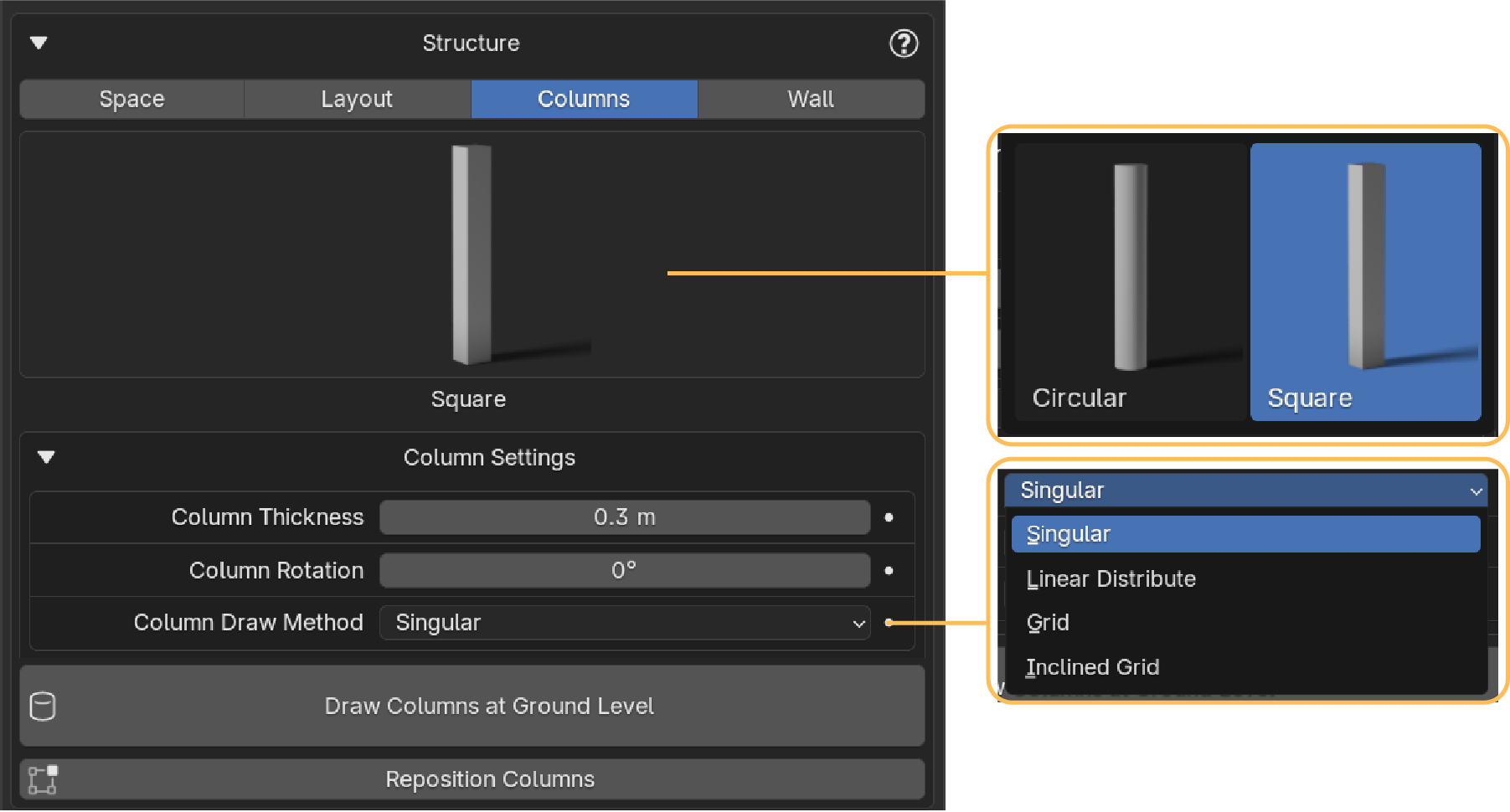
You can add columns to your structure with the following options:
- Choose between circular or square columns
- Set their diameter, rotation, and distribution type in the settings
- Click Draw Columns to start placing them in your scene
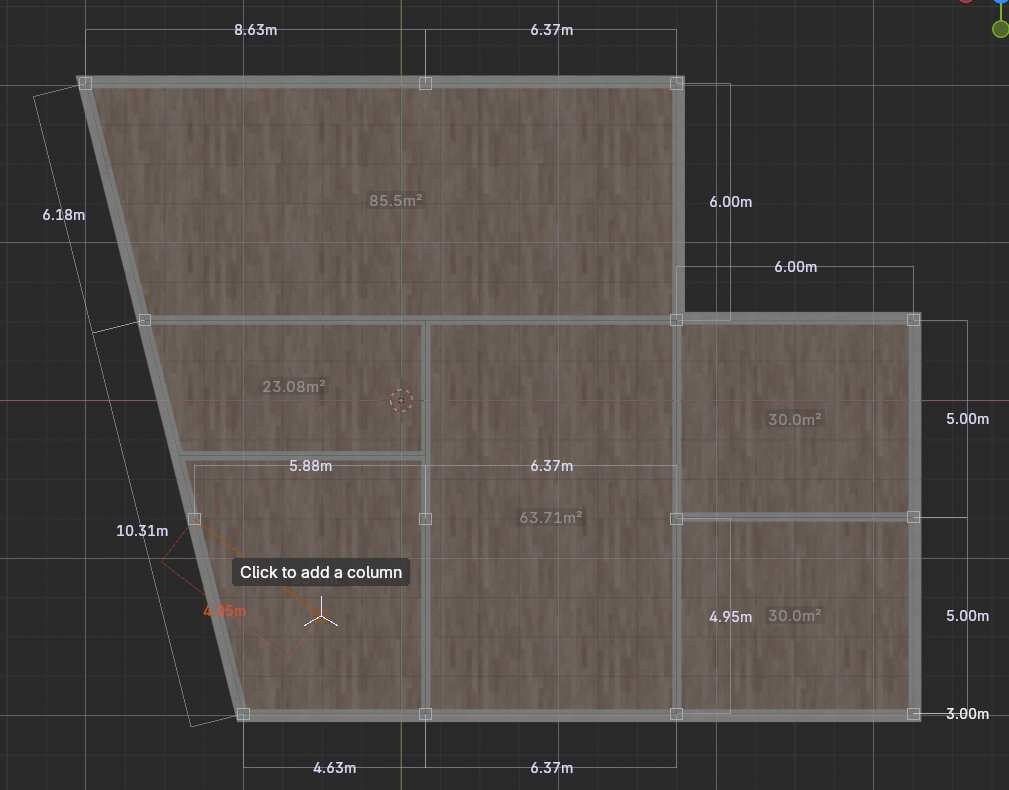
Adjusting Columns
Once you're done placing columns:
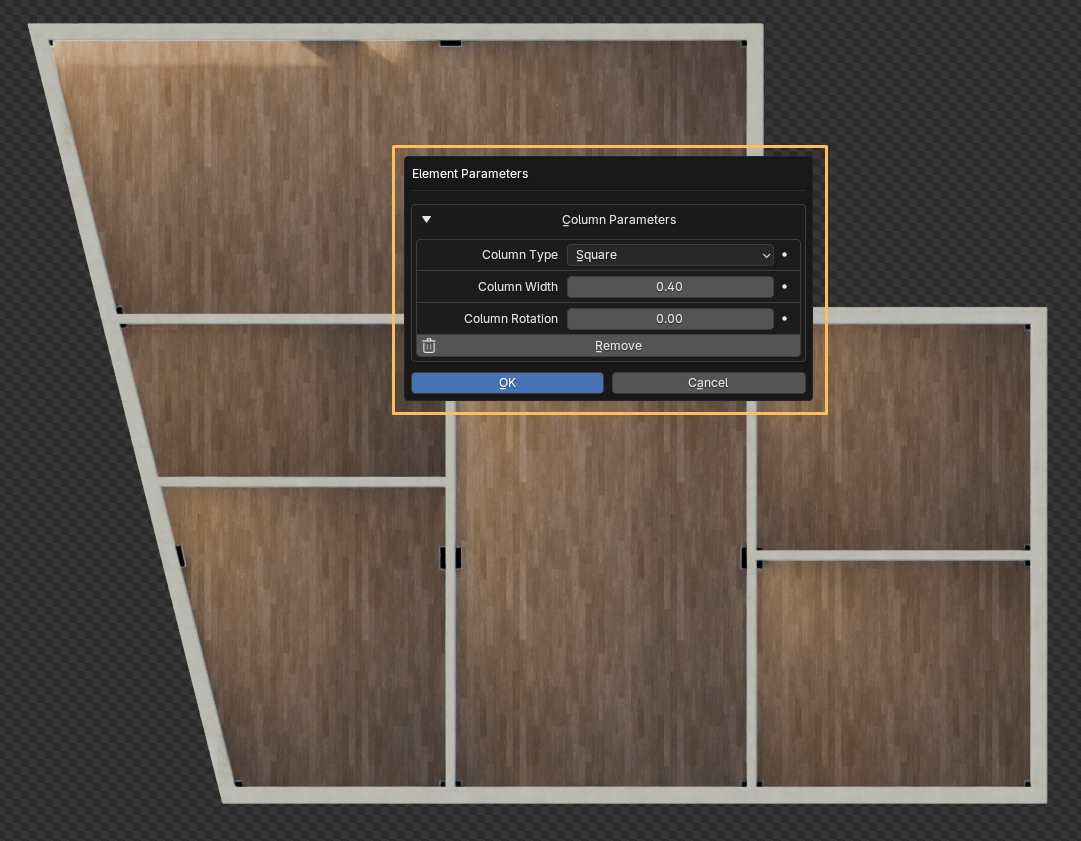
- Press Enter to confirm
- A popup will appear with the column parameters (if you have that option enabled in the settings)
- You can adjust them there if needed—or access them anytime later from the Parametrize tab
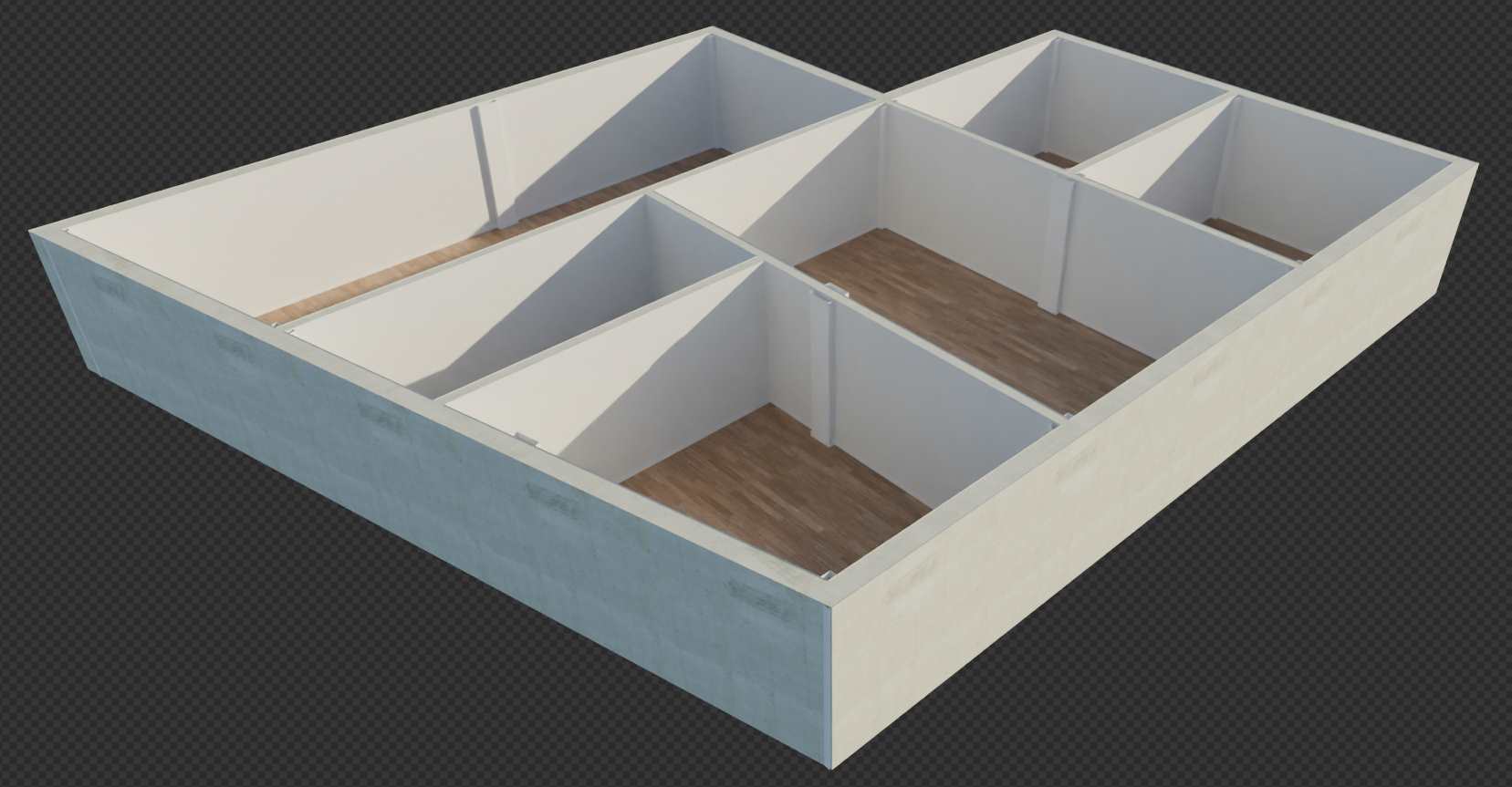
Tip: You can also use the Reposition Columns button to move the columns if needed.