Layout
Creating Interior Divisions
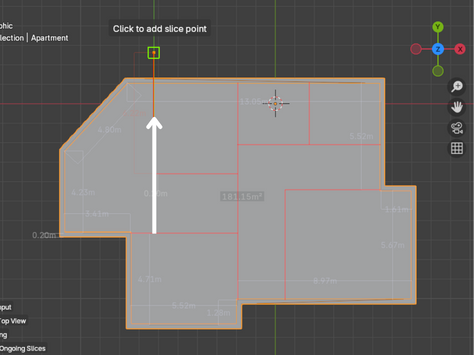
Click the Slice Floor Plan button and start drawing the divisions you need directly over your structure. You can draw multiple divisions in one go.
- Press right-click to finish one division and begin a new one
- Once you're done, press Enter to apply the divisions to your structure
Working with Areas
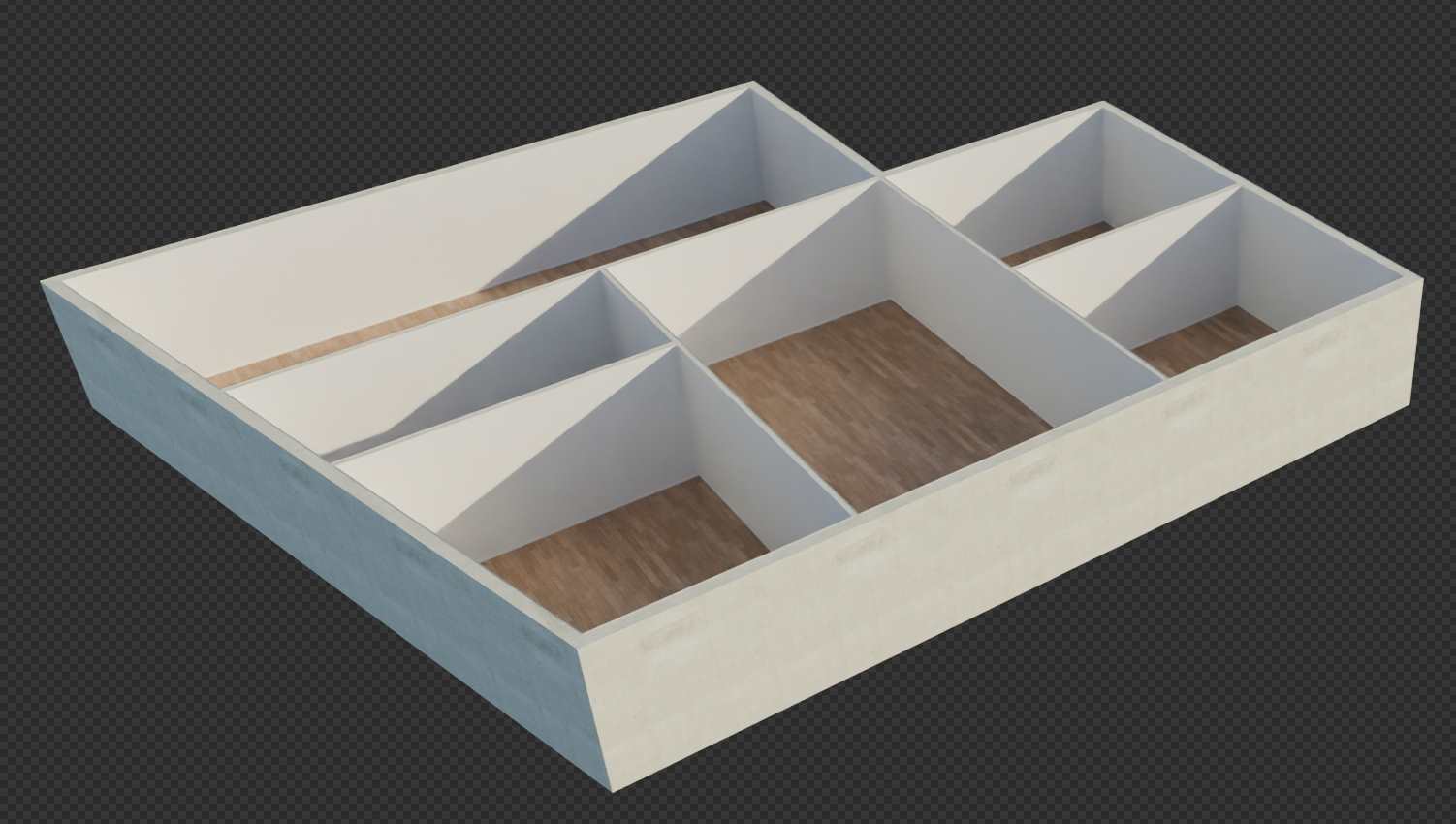
The add-on automatically divides the general space into different areas when you use the Layout option. This becomes especially useful later on, as you'll be able to furnish these areas automatically using presets. With just one click, the add-on places furniture in an approximate layout, which you can then adjust and reposition to suit your needs.
Deleting Areas
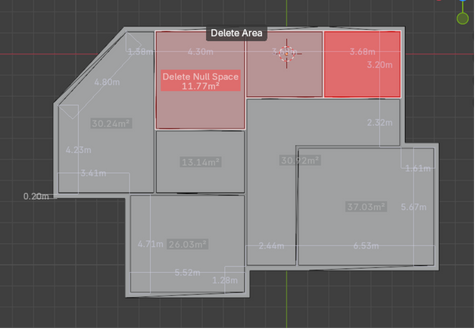
You can delete created areas by clicking the Delete Areas button:
- Click on an area you want to remove
- Drag over the other areas you'd like to delete
- Once you release the mouse button, all selected areas will be merged