Partition Walls
The last option in the Structure tab is Wall. This section allows you to add partition walls to your structure.
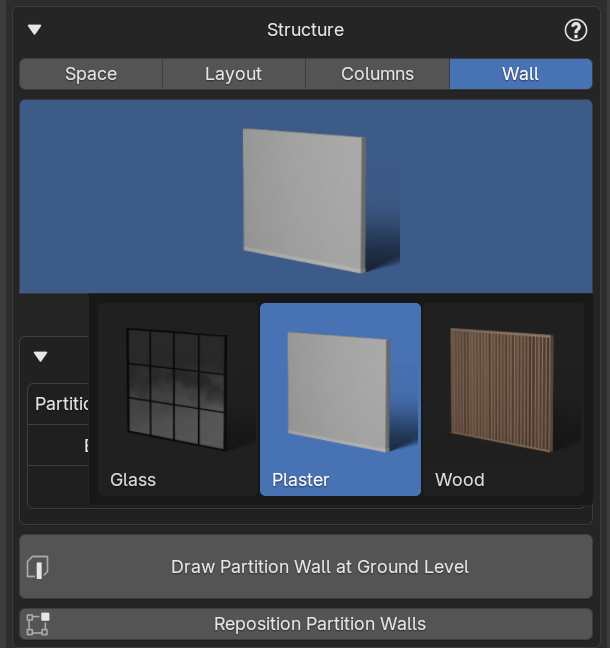
IMPORTANT: As mentioned earlier, the main structural walls are created using the Layout feature. The walls in this section are intended for decorative purposes or to divide spaces, and should not be used to create the main interior walls of the structure.
Adding Partition Walls
- Choose from several types of partition walls depending on your needs
- Click the Draw Partition Wall button
- Draw the wall directly within your structure
Adjusting Partition Walls
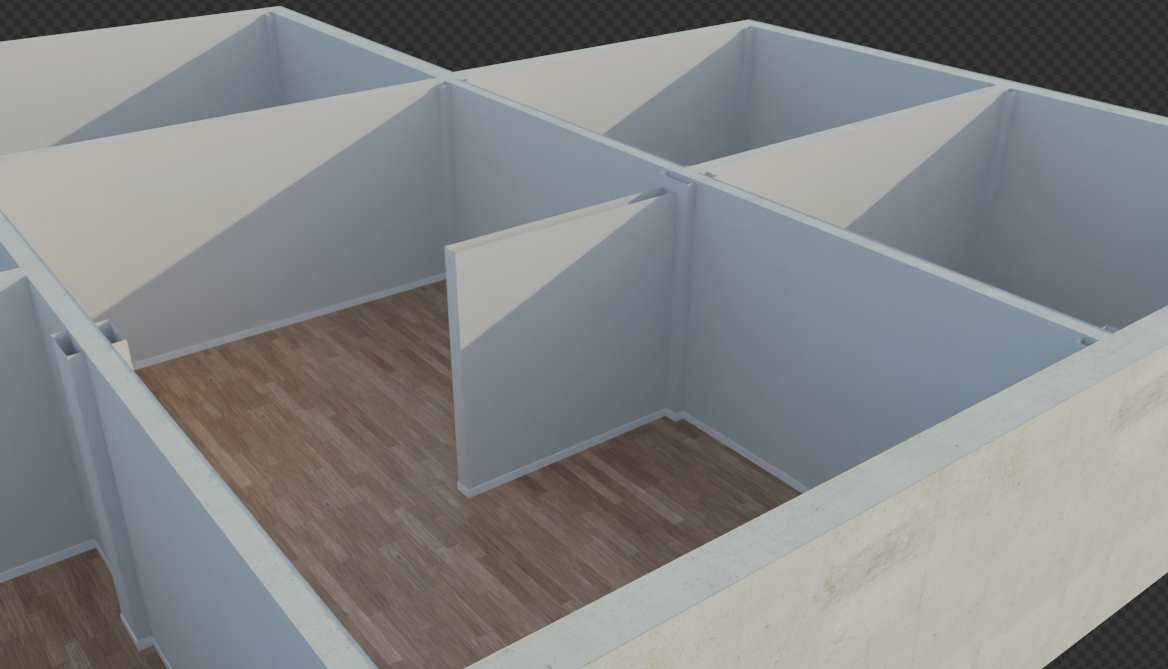
Just like with columns, you can reposition the partition walls using the Reposition Partition Walls button.